KOF 97 Download PC Game Free | Install and Play on Windows
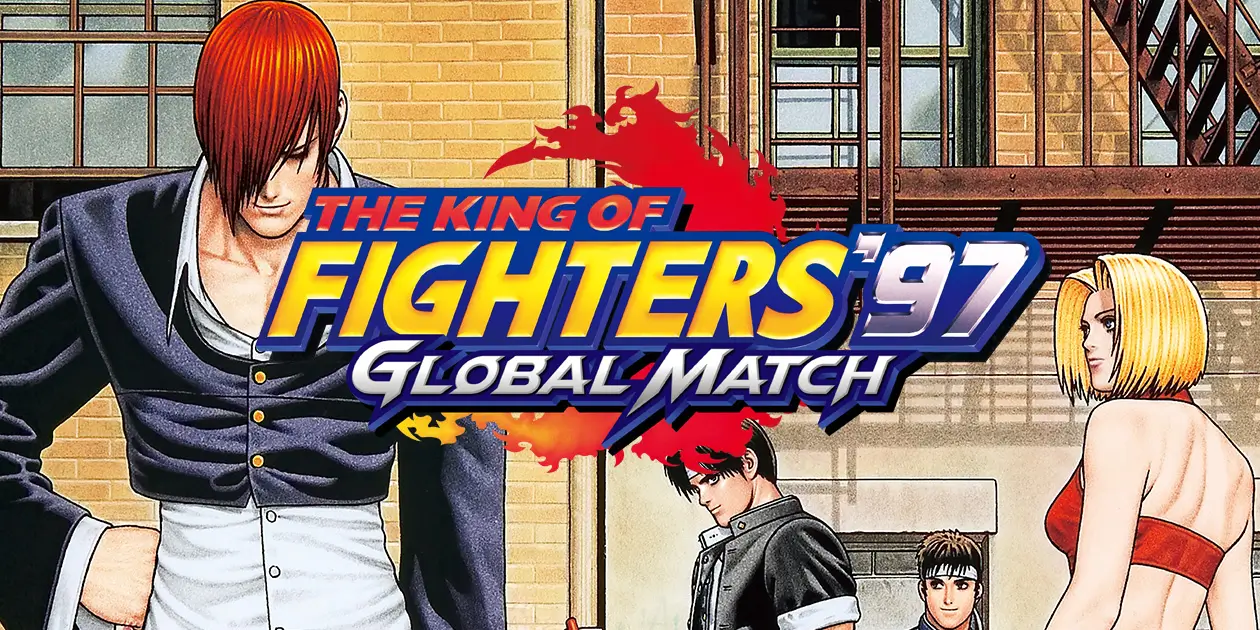
King of Fighters ’97 is a classic fighting game which is developed by SNK. Its popular characters, fast-paced battles, special moves, and exciting three-versus-three matches. You can play KOF 97 on your PC through the official KOF ’97 Global Match on Steam or the ACA NEOGEO edition. Both offer different ways to enjoy this classic arcade game. On Apunkagames, you can get all type of pc games.
In this guide, I’ll show you how you can download and install it on your PC.
What Is KOF 97?
The King of Fighters ’97, commonly known as KOF 97, is the fourth main game in SNK’s King of Fighters series. It was originally released in Japanese arcades on July 28, 1997, for the Neo Geo MVS system. This game is also the final chapter of the original Orochi Saga, which started in KOF ’95 and continued in KOF ’96. Its storyline follows a mysterious tournament which is connected to the revival of Oroch.
This game also includes two battle styles, Advanced and Extra. Each has a different Power Gauge system, allowing you to choose a fighting style that suits your gameplay.
How to Download and Install on PC
The easiest and simple way to install it on Windows through Steam.
Follow these steps:
System Requirements for PC
Here are the minimum requirements listed on Steam for Global Match.
| Component | Minimum Requirements |
| Operating System | Windows Vista |
| Processor | Intel Pentium 4 1.8 GHz Dual Core |
| Graphics | Onboard graphics with 256 MB video RAM |
| DirectX | Version 9.0 |
| Storage | 200 MB |
| Sound | DirectSound |
Gameplay and Key Features
Here are some features that make the game interesting.
Three-on-Three Fighting System
KOF 97 uses a team-based fighting system. You select three characters before entering a match, and each fighter gets a chance to battle.
You must defeat all three opposing fighters to win. This makes team selection important because different characters have different attacks, strengths, and special abilities.
Advanced Mode
In Advanced Mode your Power Gauge fills as you attack and perform special moves. You can store up to three stocks and use them for powerful attacks.
In this mode also includes emergency rolls, making it suitable for players who prefer aggressive fighting and quick movements.
Extra Mode
Extra Mode is based on KOF ’94 and KOF ’95. You can fill your power gauge manually or through defensive actions. When the gauge reaches MAX or your health turns red, you can use Super Special Moves.
Unlike Advanced Mode, Extra Mode uses side-stepping instead of emergency rolls. Both modes offer different gameplay styles, so try them to see which one you prefer.
Classic Arcade Experience
KOF 97 keeps the visual style and fighting mechanics that made the original arcade release popular. You can enjoy character-specific attacks, special moves, team battles, and memorable background music. You can also play other action games like God of War 2 & GTA Lyari Express Download for PC.
KOF 97 Characters and Teams
Some popular characters include:
| Character | Known For |
| Kyo Kusanagi | Fire-based attacks |
| Iori Yagami | Fast and powerful attacks |
| Terry Bogard | Strong fighting combinations |
| Ryo Sakazaki | Karate fighting style |
| Mai Shiranui | Fast attacks and special moves |
| Athena Asamiya | Psychic abilities |
| Shingo Yabuki | Kyo-inspired fighting style |
| Yashiro Nanakase | Powerful close-range attacks |
| Shermie | Grappling and throws |
| Chris | Speed and special attacks |
Keyboard Controls for PC
You can play using a keyboard or any other controller. If you want to play using keyboard controls, it take some time to identify the buttons before starting your first match.
The original arcade control layout uses these buttons:
| Arcade Button | Function |
| A | Light Punch |
| B | Light Kick |
| C | Heavy Punch |
| D | Heavy Kick |
| CD | Knockdown Attack |
Keyboard controls depend on your game version and input settings. Open the game’s options menu, find input configuration, and assign comfortable keys for movement and attacks.
How to Play KOF 97 Online With Other Players
The original arcade version mainly supports local multiplayer, while KOF ’97 Global Match adds online multiplayer for PC players. You can choose how you want to enjoy the battles:
Difference b/w KOF 97 vs KOF 98?
KOF 97 and KOF 98 are popular games in the King of Fighters series. Both offer three-character team battles, but their storylines and gameplay focus are different.
| Feature | KOF 97 | KOF 98 |
| Storyline | Continues the Orochi Saga | Dream Match with no main story continuation |
| Game Modes | Advanced and Extra | Advanced and Extra |
| Characters | Features fighters from the Orochi Saga | Includes a larger selection of returning fighters |
| Main Focus | Story-based arcade fighting | Character variety and gameplay balance |
| Gameplay | Three-versus-three battles | Three-versus-three battles |
| Best For | Players who enjoy story-based fights | Players who prefer more returning characters |
Common Problems
You may face a few problems while playing this game on PC, such as keyboard issues, display errors, or launch problems. Here are some simple solutions to fix them.
Keyboard Controls Are Not Working
If your keyboard buttons are not responding, check the input settings and make sure the correct keys are assigned. For arcade emulators, configure the controls specifically for KOF 97.
Game Is Not Running in Full Screen
If game opens in windowed mode, press Alt + Enter to switch to full screen. If this shortcut does not work, check the display settings in your game or emulator.
Keyboard Buttons Are Not Working Together
Some keyboards cannot register certain key combinations at the same time. Try changing the assigned keys or use a compatible gamepad for smoother gameplay.
Game Is Not Launching
If the game does not start, check your installation files. Steam users can verify the game files through Steam’s properties menu. Also, update your graphics drivers and restart your PC before launching the game again.
Conclusion
The King of Fighters ’97 is a classic fighting game with three-character teams, exciting battles, and popular fighters like Kyo, Iori, and Terry. It also includes Advanced and Extra modes, along with an interesting Orochi storyline. You can play KOF 97 on PC through the official Global Match version on Steam. Set up your keyboard or controller, choose your favourite fighters, and enjoy offline matches or online battles. The simple controls and fast gameplay make it fun for both new and old players.