
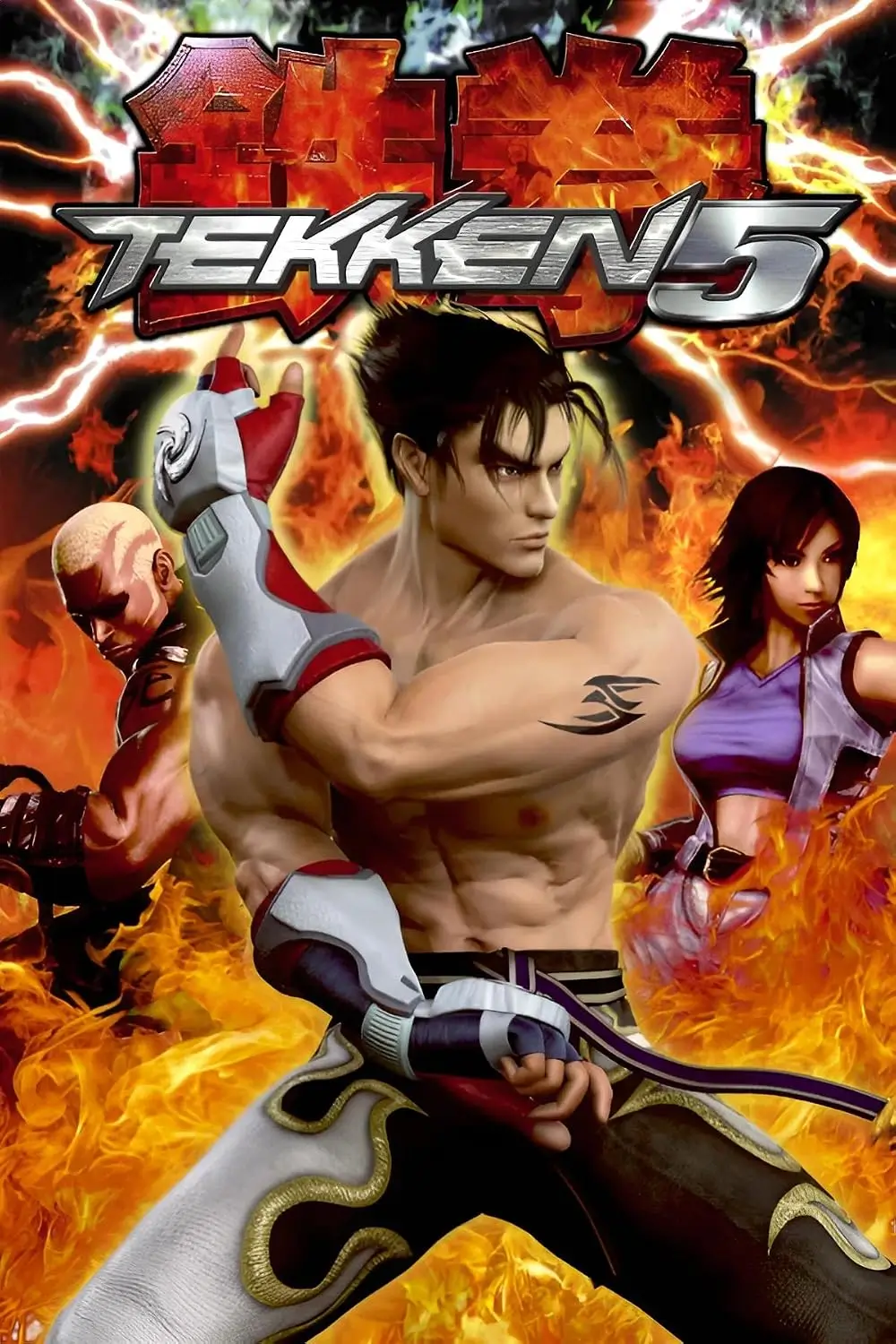
Tekken 5 for PC Download | Play on Windows 10 & 11
Tekken 5 is a classic fighting game which is developed by Namco. It popular features include characters, fast fights, different fighting styles, and several game modes.
This game was released for PlayStation 2 and arcade machines, but it never had an official PC version. However, you can play it on Windows 10 or 11 using the PCSX2 emulator.
In this guide, we discuss about it’s features, system requirements, PCSX2 setup, keyboard controls, and common issues.
What Is Tekken 5?
Tekken 5 is a 3D fighting game . It was released in arcades in November 2004 and for PlayStation 2 in 2005.
This game continues the Mishima family story and characters like Jin Kazama, Kazuya Mishima, and Heihachi Mishima. It adds new fighters, better combat, and several game modes.
Players can move in 3D, use different attacks, perform combos, and throw opponents. This game also includes Devil Within, an action-adventure mode starring Jin Kazama.
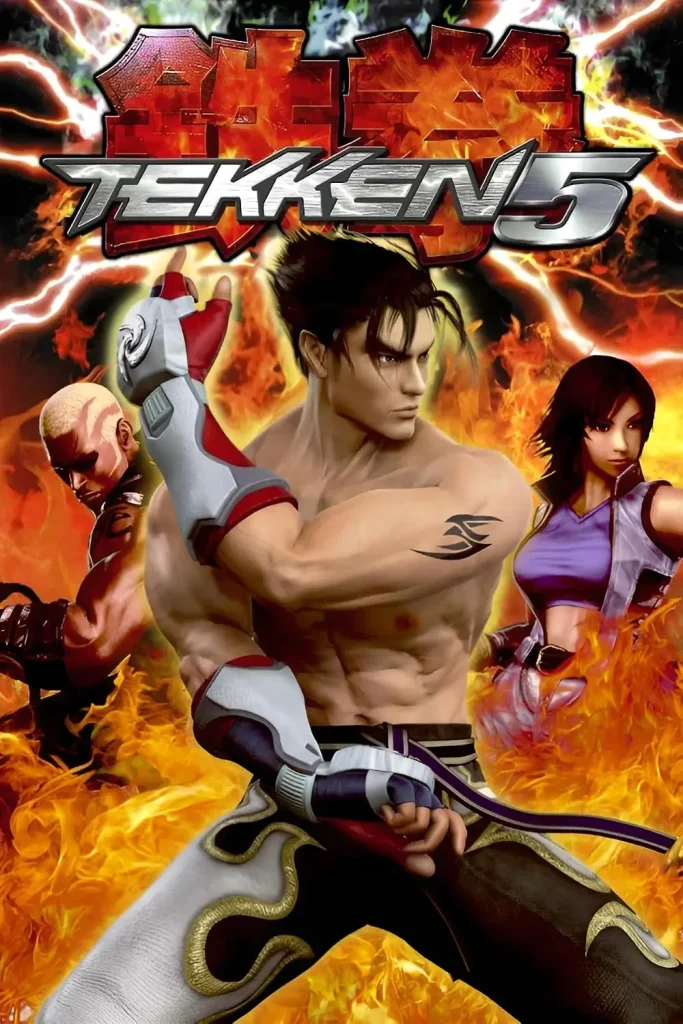
Game Information
| Information | Details |
|---|---|
| Game Name | Tekken 5 |
| Developer | Namco |
| Publisher | Namco |
| Arcade Release | November 2004 |
| PS2 Release | 2005 |
| Genre | Fighting |
| Original Platforms | Arcade, PlayStation 2 |
| Game Modes | Single-player, Multiplayer |
| ESRB Rating | Teen |
| Emulator | PCSX2 |
| Official PC Version | Not Available |
Can You Play this game on PC?
Yes, you can play this game on a Windows PC through the PCSX2 emulator. However, there is no official Windows version of the original game.
PCSX2 works as a virtual PlayStation 2 console. It allows your computer to run compatible PS2 games without requiring the original console.
To play this game, you need:
PCSX2 does not include the game or BIOS files.
Key Features of Tekken 5
Large Character List
Tekken 5 starts with 20 playable characters.
Popular characters include:
Each character has their unique moves, attacks, and fighting styles.
Different Game Modes
This game offers many modes to keep gameplay interesting:
Devil Within Mode
Devil Within is a separate adventure mode featuring Jin Kazama. You can explore different areas, fight enemies, and complete challenges. Jin can also transform into Devil Jin during gameplay.
Character Customization
You can change your fighters’ appearance using in-game items. You can change clothes, accessories, and other customization options. Earn fight money by playing different modes.
Classic Tekken Games
They also includes arcade versions of three older games:
This feature allow you to enjoy classic Tekken gameplay on PlayStation 2.
System Requirements for Game
The following specifications are based on the official PCSX2 documentation.
| Requirements | Minimum | Recommended |
|---|---|---|
| Operating System | Windows 10 | Windows 11 |
| RAM | 8 GB | 16 GB |
| CPU | PassMark single-thread score 1500+ | 2000+ |
| CPU Cores | Compatible modern CPU | 4 cores |
| Graphics API | Vulkan 1.1, Direct3D 11 or OpenGL 3.3 | Compatible modern GPU |
| GPU Performance | Basic compatible GPU | G3D Mark 6000+ |
| VRAM | Depends on GPU | 4 GB |
How to Install PCSX2 and Play it on PC
PCSX2 is a free PlayStation 2 emulator that allow you play Tekken 5 on Windows 10 and 11. Follow these steps to set it up.
Step 1: Download PCSX2
Download the PCSX2 from official website. Choose the Windows version and save the installer on your computer.
Step 2: Install the Emulator
Open the downloaded installer and follow the setup instructions. Once installation is complete, launch PCSX2.
Step 3: Set Up PS2 BIOS
PCSX2 requires a PS2 BIOS to run games. Dump the BIOS from your own PlayStation 2 console and select its folder during emulator setup.
Step 4: Add Tekken 5
Create a game image from your legally owned. Select its folder in PCSX2 so the emulator can detect the game.
Step 5: Configure and Play
Keep the default graphics settings initially. Once PCSX2 detects the BIOS and game, select Tekken 5 for pc from the game list and start playing. You can also configure your keyboard or controller from the settings.
Controls for PC Keyboard
Here is an example keyboard layout:
| PlayStation 2 Button | Keyboard Key |
|---|---|
| D-Pad Up | W |
| D-Pad Down | S |
| D-Pad Left | A |
| D-Pad Right | D |
| Cross (X) | J |
| Circle (O) | K |
| Square | U |
| Triangle | I |
| Start | Enter |
| Select | Backspace |
Tekken 5 vs Tekken 5 Dark Resurrection
| Feature | Tekken 5 | Dark Resurrection |
|---|---|---|
| Original Release | 2004–2005 | 2005–2006 |
| PS2 Release | Yes | No |
| New Characters | Asuka, Raven, Feng Wei | Lili, Dragunov, Armor King |
| Gameplay | Original | Updated and balanced gameplay |
| Stages | Original stages | Remixed and additional stages |
| Platforms | Arcade, PS2 | Arcade, PSP, PS3 |
Common Problems and Fixes
Game Is Running Slowly
If the game lags during fights, try these solutions:
PCSX2 Is Not Detecting the Game
Make sure you selected the correct game folder in PCSX2. Refresh the game list and check whether your game image is complete and working.
BIOS File Is Missing
PCSX2 needs a compatible PS2 BIOS to run games. Check the BIOS folder in emulator settings and make sure your BIOS backup is correctly selected.
Controller Is Not Working
Open PCSX2 controller settings and check your button assignments. Reconnect your USB controller if necessary and configure the controls again.
Crashes During Gameplay
Update PCSX2 to the latest stable version and restore the default emulator settings. Also, check your game image for errors and disable custom speed hacks if they cause problems.
Conclusion
Tekken 5 is a classic fighting game with exciting battles, memorable characters, and different game modes. It has no official PC version, but you can still play it on Windows using the PCSX2 emulator. Set up PCSX2 with your own PS2 BIOS and legally obtained game copy. Adjust the controls and graphics settings, and you can enjoy it on your PC.